
To facilitate mass editing of product information, you can export your products in Excel format from the Back Office, and then edit the information with Excel. After the modifications you can then import the product information back to Back Office.
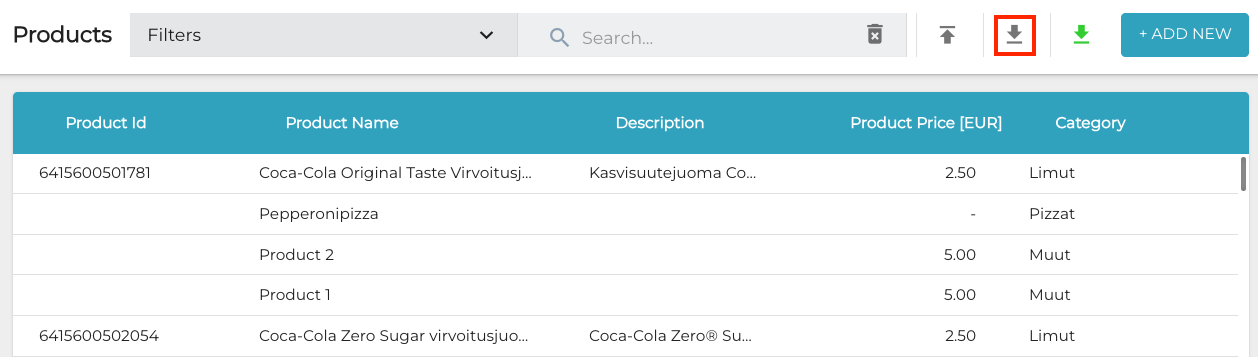
It is also possible to create new products by filling out a product information template with new product information, and then importing it to the Back Office. You can download all the product information templates by clicking the Download Templates icon in the Products view toolbar.
Open the file you downloaded (CustomProductsTemplate.xlsx, StockProductsTemplate.xlsx or VariantProductsTemplate.xlsx), and enter the product information.
To download all the template files simultaneously, you need to enable downloading multiple files at once in your browser settings.