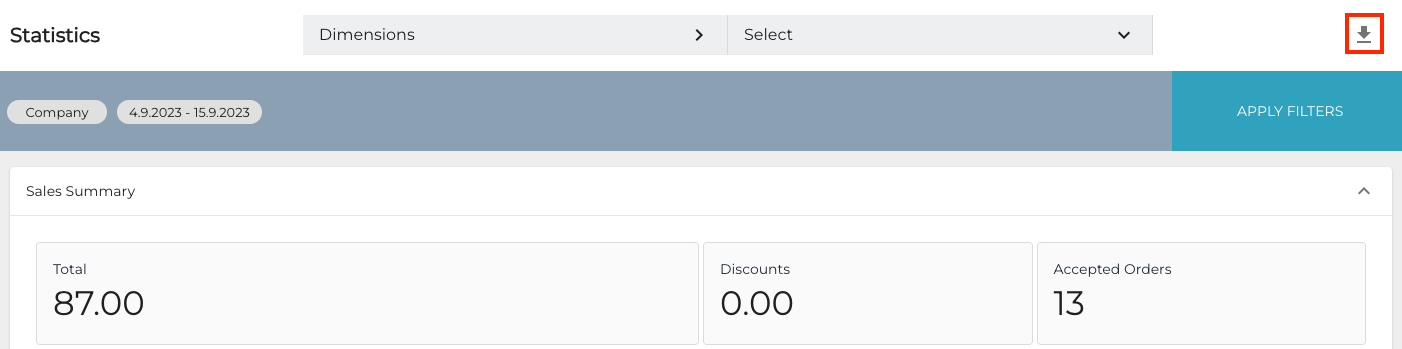
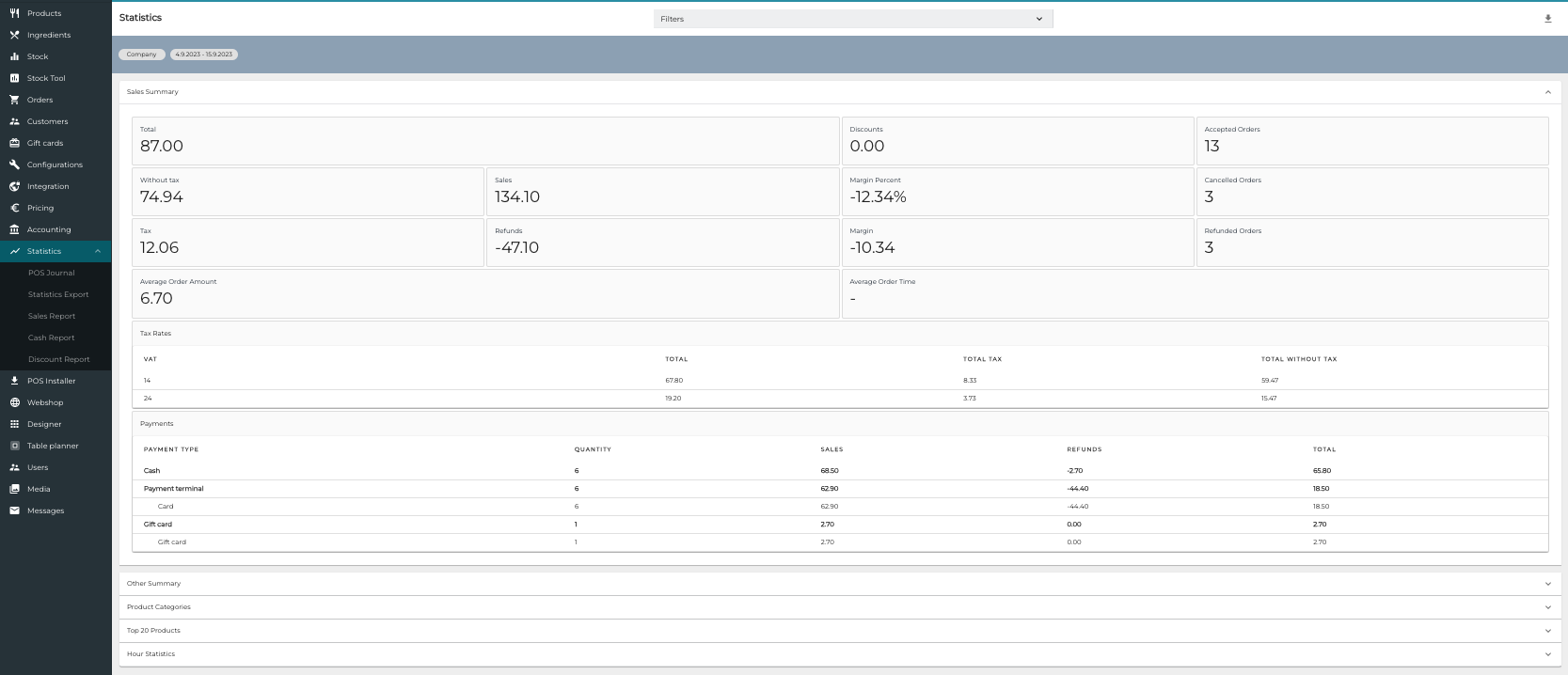
The Statistics view of Solteq Commerce Cloud enables you to view statistics and generate reports based on real-time sales data. These include:
 Filter the Statistics ViewBy default the Statistics view contains all the sales statistics from the current day. You can filter the information by using one of the following options:Business date:Custom periodFull monthsTodayYesterdayThis week Previous weekThis monthPrevious monthThis yearPrevious YearDimensions:CompanyStoreCost UnitWorkstationUser You can only use one of the dimensions at a time to filter the results, but it is possible to select several values at once (such as viewing statistics from several stores at once). When you have selected the filters you want to use, click Apply filters. The Statistics view is updated according to your selections.Export Statistics in Excel FormatYou can export the Statistics view directly into Excel format by clicking the Export to Excel icon.