
To view and modify your store-specific receipt settings, click Configurations in the Back Office menu, and then select a store from the Stores list. The Override Company Configuration settings can be found in the bottom of the Store view.
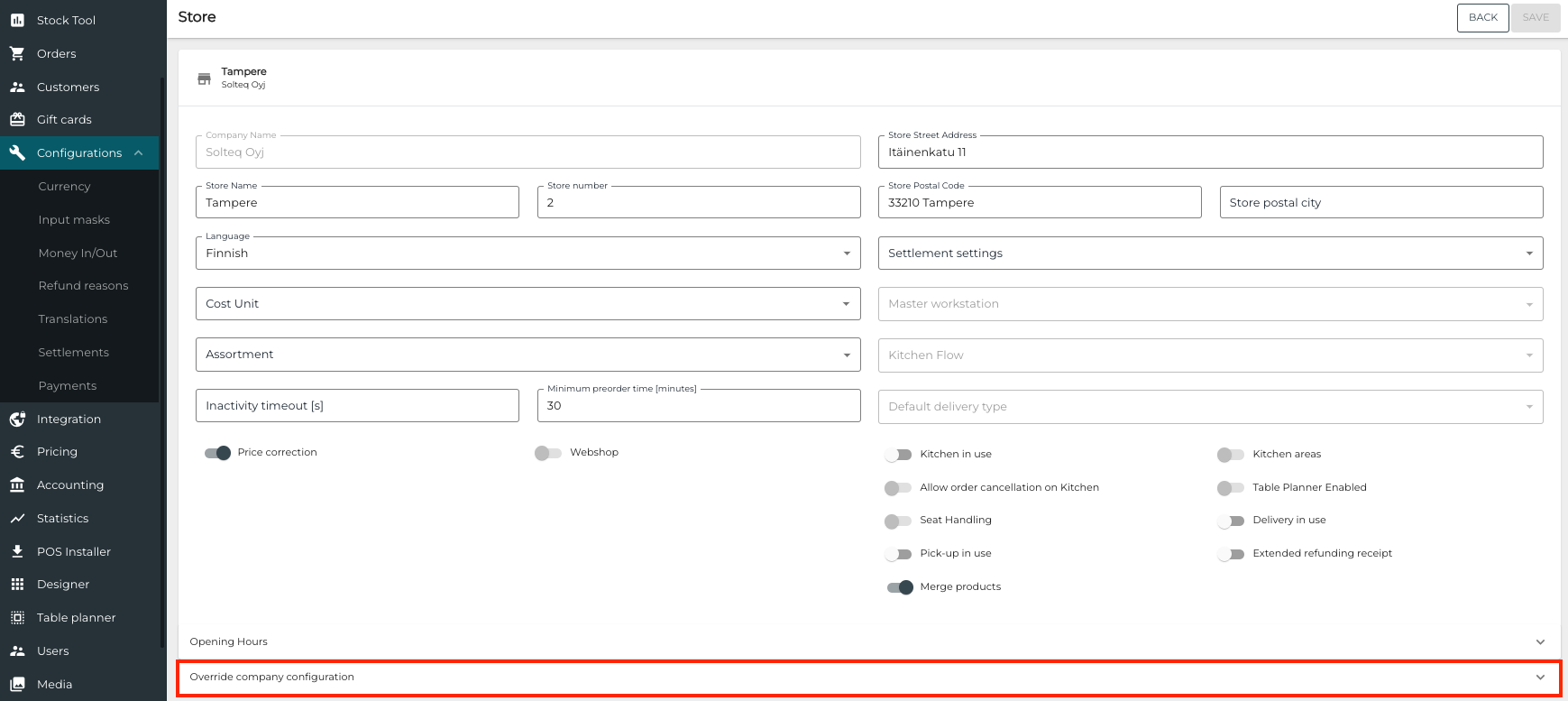
You can use the Override Company Configuration settings to define store-specific
-
receipt layouts for private and company customers
-
free texts for receipt header and footer.
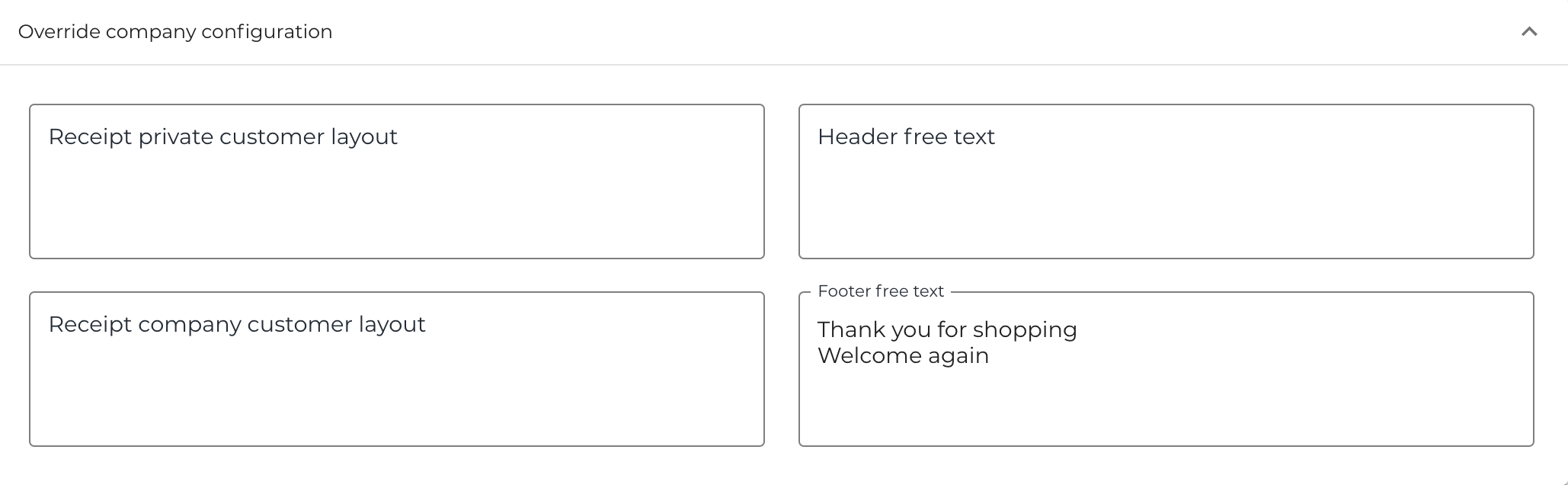
You can create company-level receipt texts and layouts in Company Configurations. Creating store-specific receipt layouts and texts is recommended only if you need store-specific layouts and texts.
If you have company-level texts you want to be visible in all receipts of your company, and are using Override Company Configuration for some or all Stores, you need to add these company-level texts in the Override Company Configuration settings for these stores.