
-
Go to the Discounts view and click the row of the discount you want to add products to. Discount details are displayed.
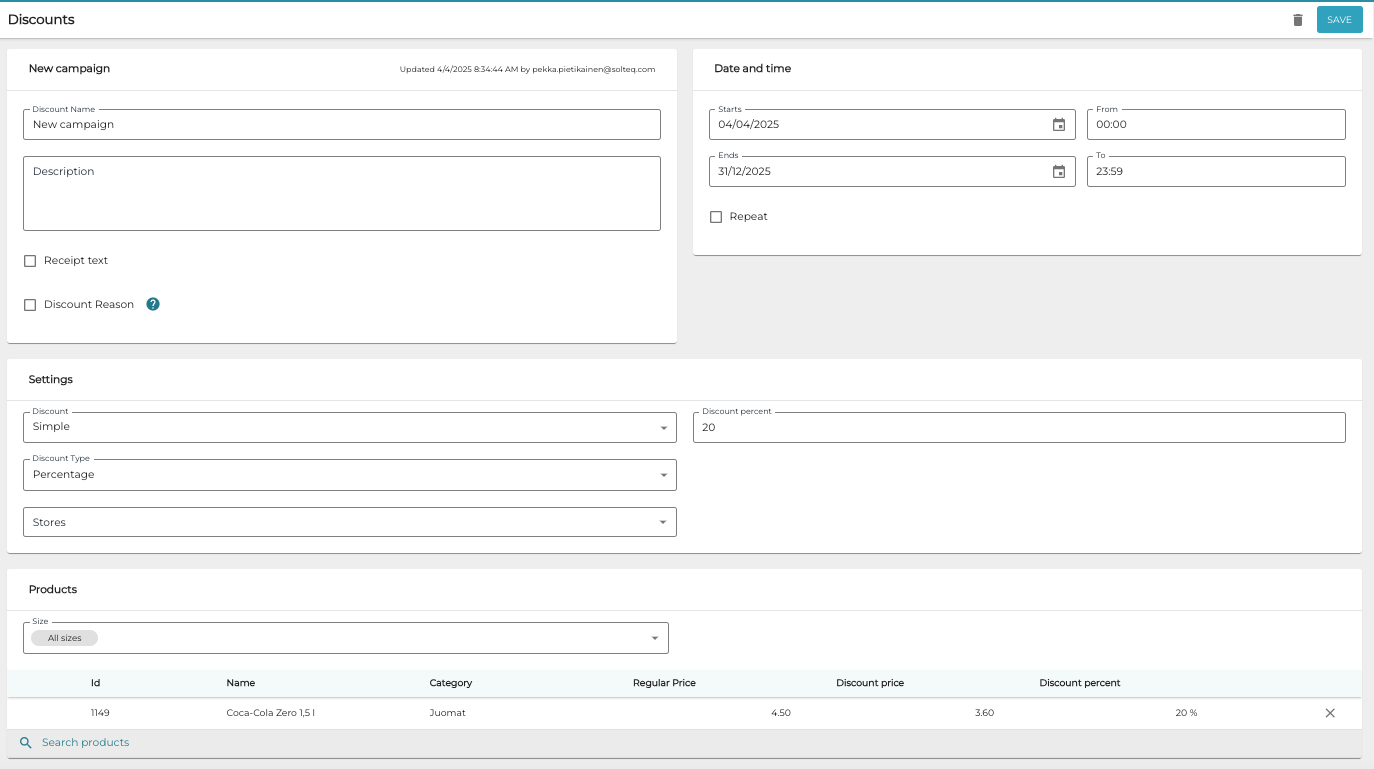
Discount details -
Click Search Products and select Single or Product Category.
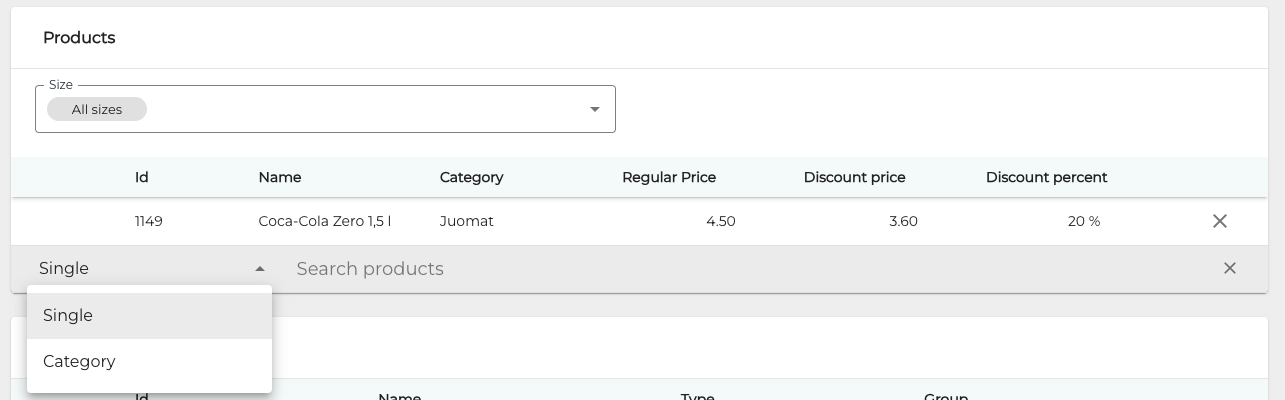
Selecting the search filter -
Enter a search term. Search results are displayed below
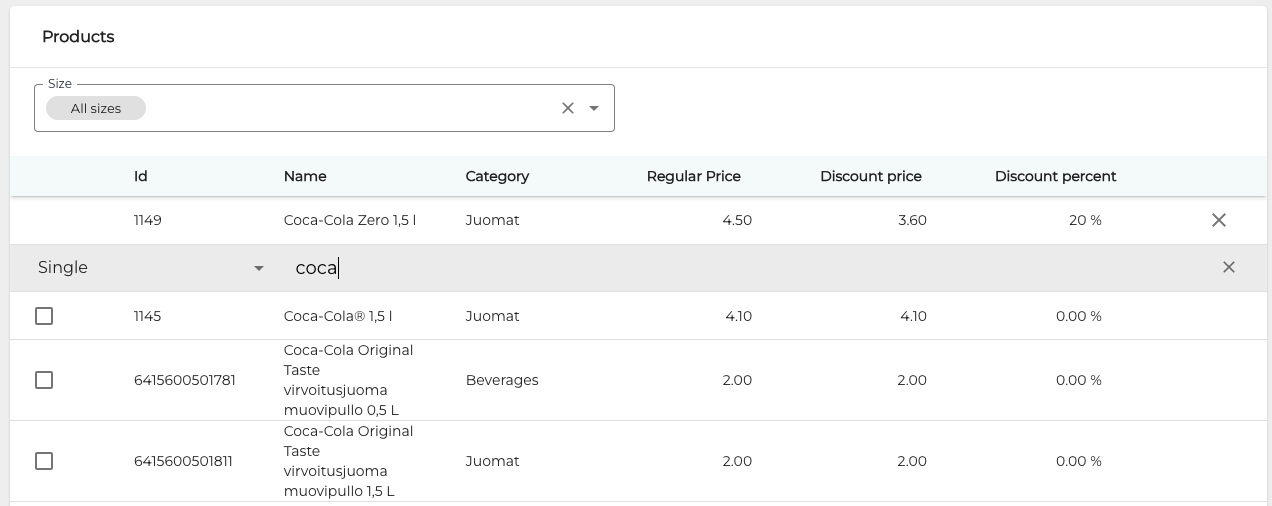
Product search results -
Add the product(s) to the discount by clicking on the checkbox. The Products list is updated accordingly.
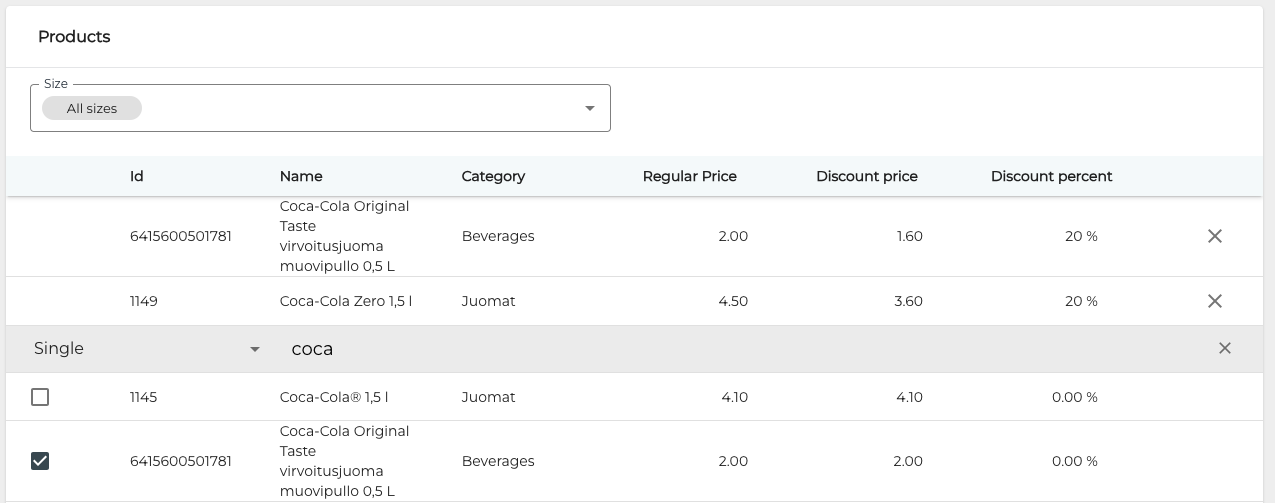
Selecting products to the discount -
When you have added all the required products to the discount, click Save to save your changes.