
You can add new products by clicking +Add New in the Products view. First, select the type of product you want to add.
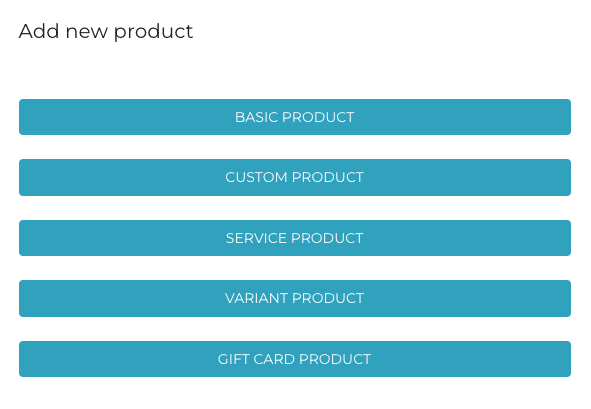
When you have selected Custom Product as the product type when creating a product, the following view is displayed.
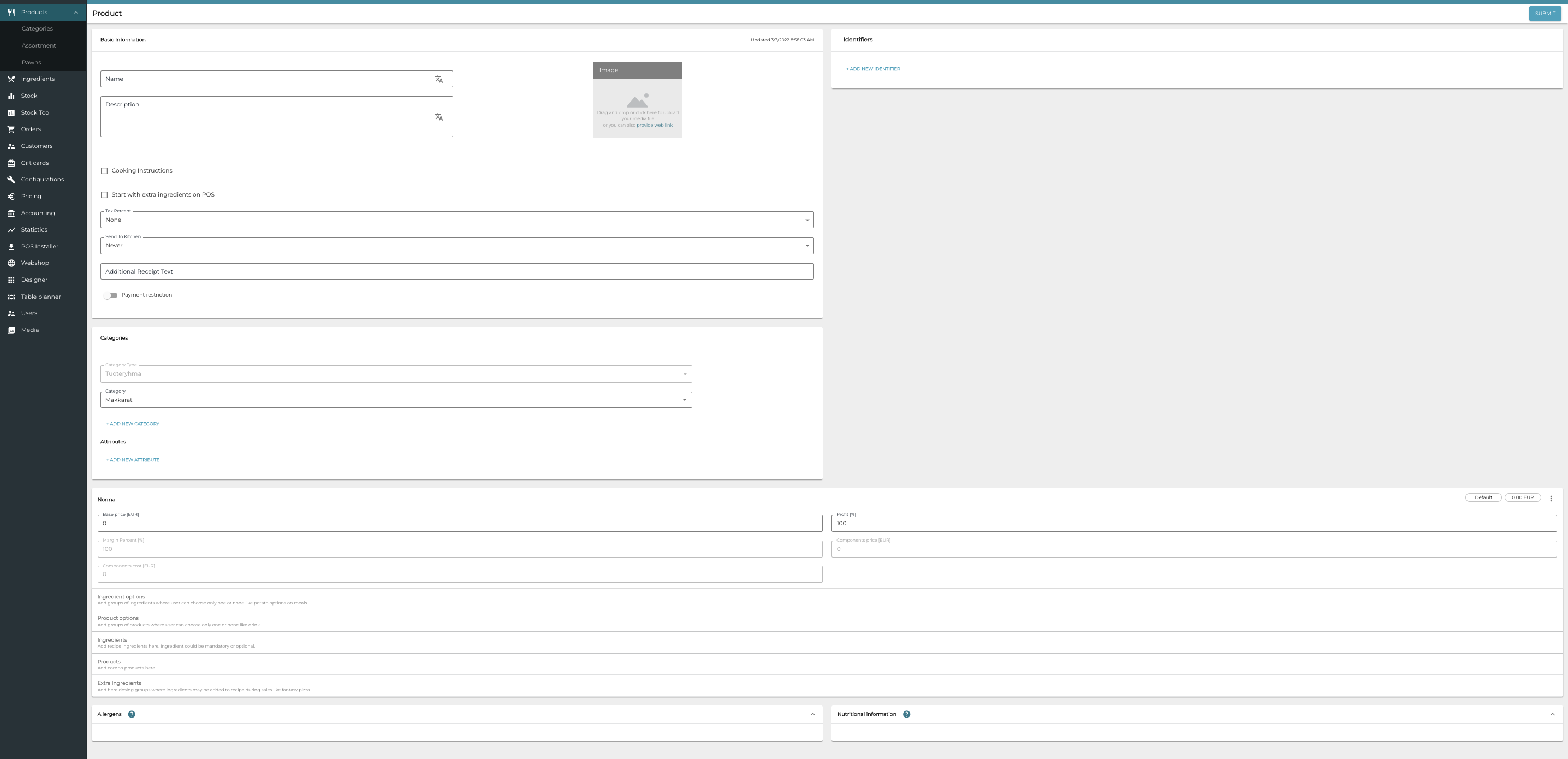
The minimum data needed for adding a new custom product is the Name of the new product, its VAT Rate, and at least one category belonging to the default category type; other details can be filled out later. The name can also be changed afterwards, if needed. However, the product can be sold in POS only when it has been given a price for at least one size.
For a detailed description of the custom product fields, see Custom Product Settings in Solteq Commerce Cloud User Manual.