
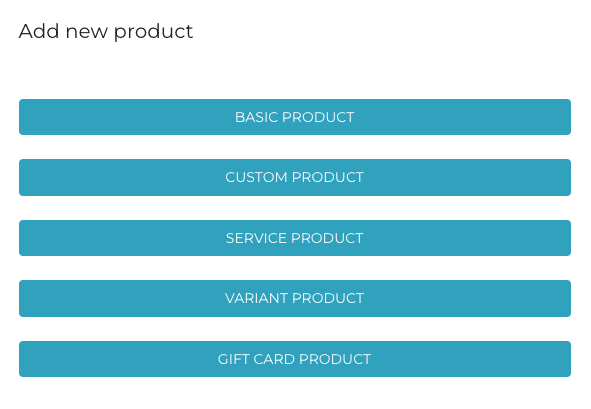
You can add new products by clicking +Add New in the Products view. First, select the type of product you want to add.
When you have selected Service Product as the product type when creating a product, the following view is displayed.
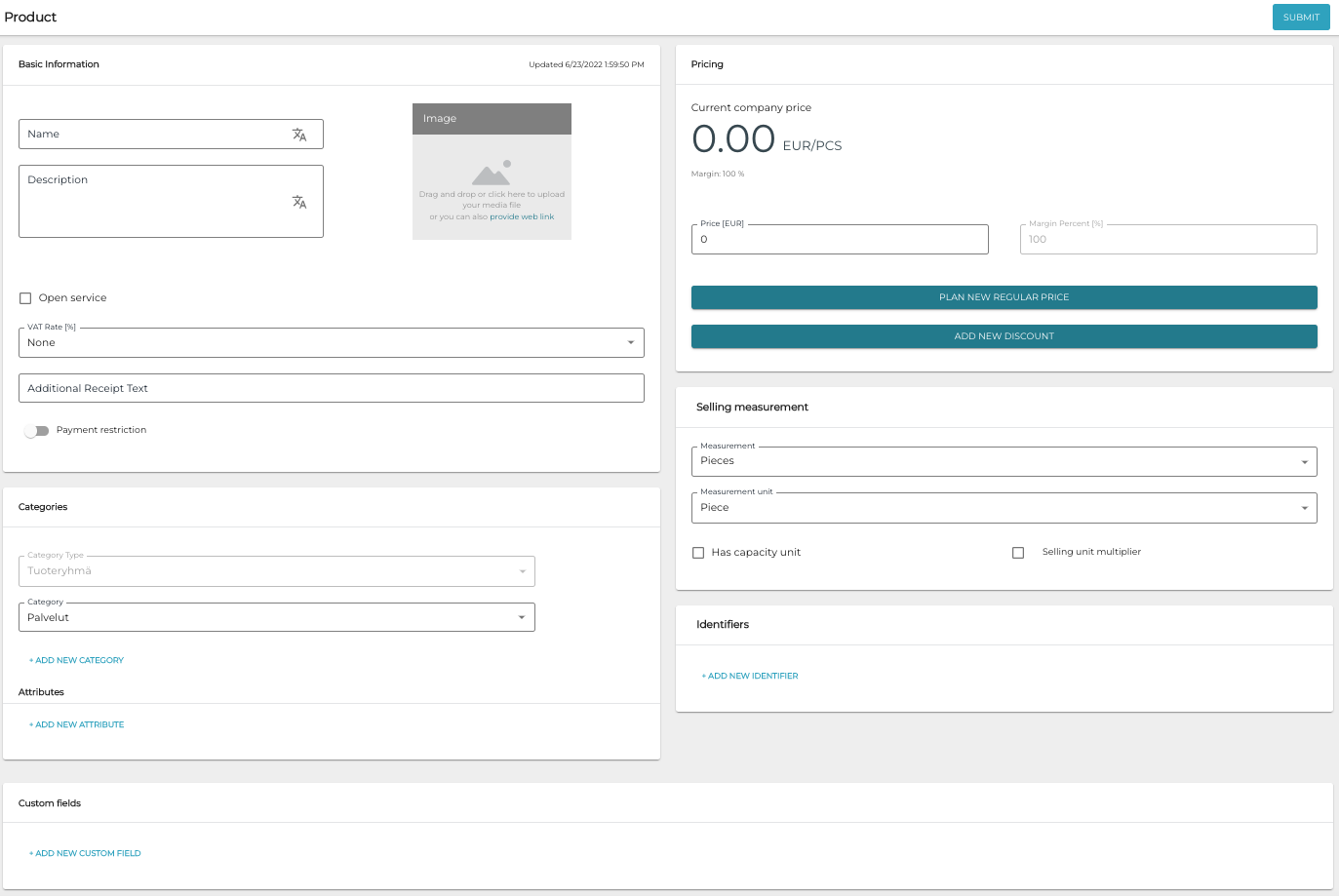
For a detailed description of the service product fields, see Service Product Settings in Solteq Commerce Cloud User Manual.