In this example we create a tile for opening a new tab in the POS.
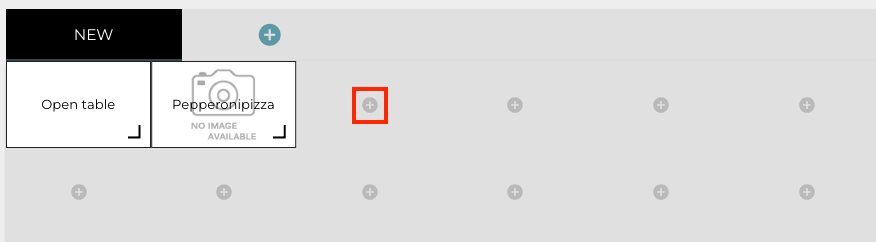
Start by selecting a POS Layout, and clicking on the Add New Tile icon.
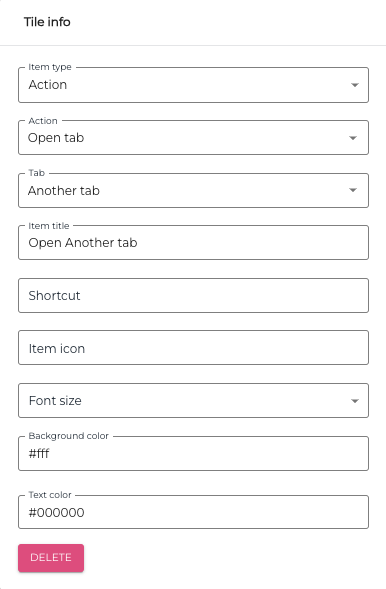
Give the tile at least the following details in the Tile Info:
-
Item Type: Action
-
Action: Open tab
-
Tab: Select the tab from the drop-down menu
-
Item title: Give the tile a descriptive title.
You can also enter the following additional information for the tile, if you wish:
-
Shortcut
-
Item Icon
-
Font size
-
Background Color
-
Text color